Your coffee menu on every table,
one scan away
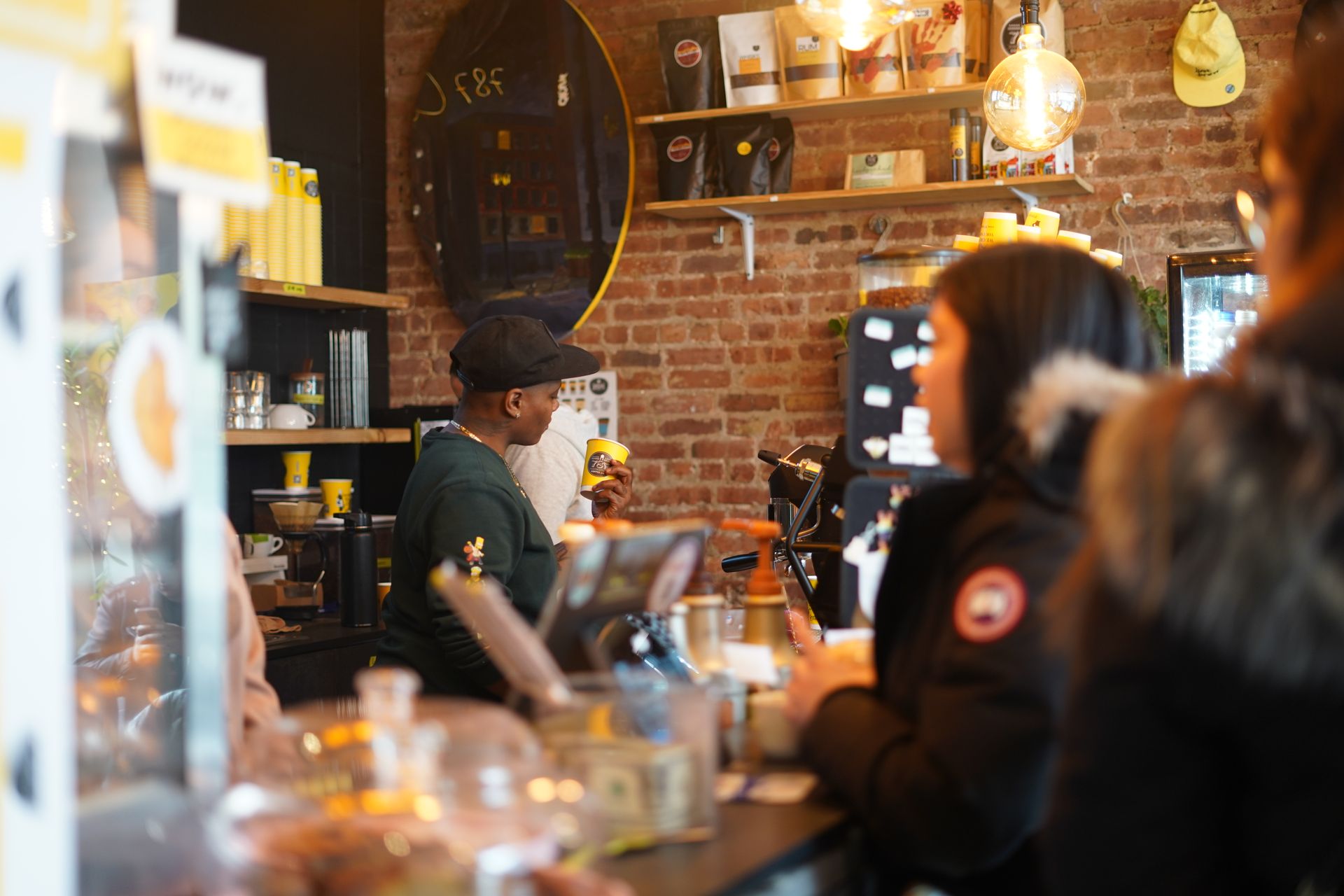
Customers scan the code on their table, pick their coffee, choose oat or decaf or an extra shot, and pay on their phone — and it lands on the barista screen with the table number attached. No app download. No queue at the counter. No waiting to catch anyone's eye.
Free to set up. No monthly fee. 2% per transaction when you trade.
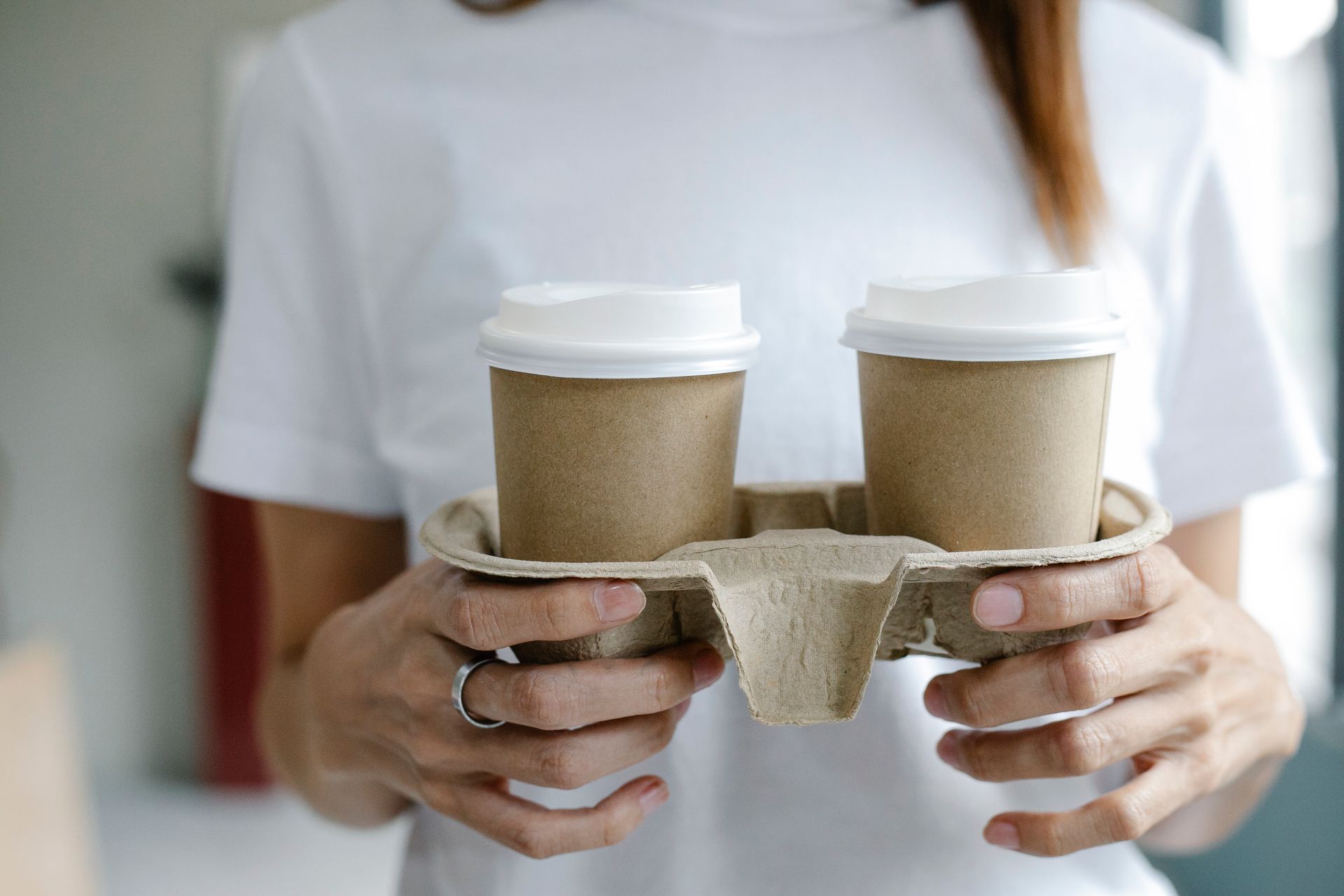
No app. Just scan.
The biggest barrier to QR ordering is getting people to download something — and nobody installs an app to buy one coffee. With CoffeesUp there is nothing to download. They point their camera at the code, the drinks menu opens, they order. Every smartphone, every browser, every network.
What QR ordering actually costs a coffee shop
Most ordering systems are priced as if every coffee shop is a city-centre unit doing 600 cups a day, all year round. Real shops aren't like that — a seaside café flies in August and idles in January; a market-town espresso bar lives on the 8am rush and Saturday mornings.
Here's the honest maths. On 300 coffees at a £4.20 average — a strong day — our 2% platform fee comes to £25.20. That's about the price of a bag of speciality beans. A typical SaaS ordering tool charges £79/month. Every month. However quiet you are.
Real example
Busy Saturday
Quiet January week
And when you're busy enough that 2% adds up, switch to a flat monthly plan and the per-transaction fee disappears entirely. You're never locked into the wrong pricing model for your season.
The complete coffee ordering journey
Scan the QR code
They point their camera at the code on the table. Your drinks menu opens instantly in their browser — no download, no sign-in.
Pick their coffee
Espresso, flat white, cold brew, matcha, cake. Oat or almond, decaf, extra shot, syrup, cup size — every choice captured word for word.
Pay on their phone
Card or PayPal, processed in seconds. Apple Pay & Google Pay coming soon via Stripe. Receipt sent by email.
Coffee in hand
The barista screen shows it with the table number attached. Sit-in drinks are carried over — takeaways buzz the phone the moment they're ready.
Where to put your QR codes
On every table
A laminated tent card or a sticker on the corner of each table. They order the moment they sit down — and order a second one without giving up their seat.
On the outside tables
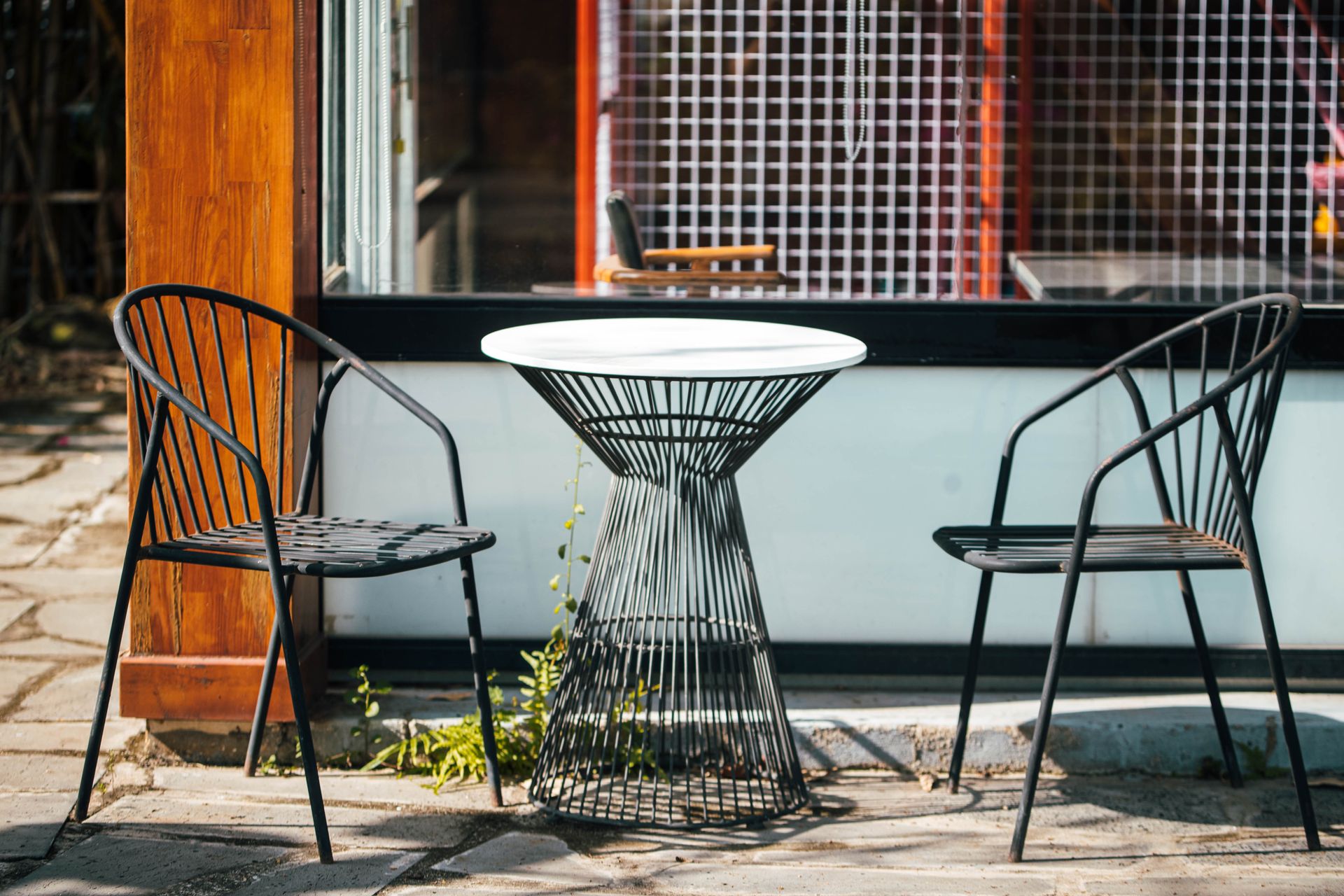
Pavement tables, benches, parasol poles. Customers outside order from their chair instead of leaving a coat on it and joining the queue.
On your printed menus
CoffeesUp print menus and wall boards carry a QR code on every drink — regulars scan their usual and it drops straight into the basket.
In the window
Passing trade scans your window poster, sees the menu and orders a takeaway for collection — before they have even reached the door.
On social media
Share your ordering link on Instagram, TikTok and Facebook. Anyone who sees the post can open your menu and order ahead on the walk over.
On your cups and bags
Print the code on takeaway cups, sleeves and pastry bags. Yesterday's customer scans it on the train and orders tomorrow's coffee.
What makes QR ordering actually work in the 8am rush
A QR code that opens a PDF of your menu is not an ordering system. That's a laminated leaflet with extra steps. A real one lets the customer browse, choose their milk, pay and track the order — all from one scan — and puts it on the barista screen with the table number attached.
The other thing that matters mid-rush: speed. If the menu takes 8 seconds to load, they'll give up and join the queue instead. CoffeesUp menus load in under a second on a typical mobile connection — we optimise aggressively for mobile data.
Menu loads in under 1 second on 4G
Tested on UK mobile networks
No app download required
Opens in Safari, Chrome, any browser
Table number on every sit-in order
The drink reaches the right table first time
Milk, syrup, shots and size at checkout
Oat, almond, decaf, extra hot, large
Live order status on the customer phone
No refreshing — it updates as you tap
A QR code on every single drink
CoffeesUp generates A4, A3 and A2 print-ready menus and wall boards with an individual QR code beside every drink. The regular who has the same oat flat white every morning scans that one code and it's in their basket — no browsing at all. Faster ordering, fewer mistakes, a queue that never forms.
QR coffee ordering — questions we get asked
Does QR code coffee ordering require customers to download an app?
+
No app, no account, no friction. They point their phone camera at the code on the table and your drinks menu opens in the browser. It works on every smartphone — iOS 11+, Android 8+, and any modern mobile browser.
How much does QR ordering cost a UK coffee shop?
+
Setting up CoffeesUp is free. You pay 2% per transaction on the PAYG plan — so a 300-cup Saturday at a £4.20 average costs you £25.20. A typical SaaS ordering platform charges £79–129/month whether you're busy or not. And if you're busy open to close, our flat monthly plans remove the per-transaction fee entirely.
What happens after a customer scans the QR code?
+
They see your full branded drinks menu — photos, prices, categories, options. They pick their coffee, choose milk, syrup, shots and size, and pay by card or PayPal. Your barista screen shows the order within seconds, tagged with the table number. Takeaway customers get a notification when it's ready.
Can I put a QR code on individual drinks rather than a whole menu?
+
Yes. CoffeesUp generates print menus and wall boards with a separate QR code beside every drink. Scan the flat white code and a flat white goes in the basket. It cuts ordering time right down when the queue is out of the door.
Do customers need to be on my WiFi?
+
No — any data connection works. The menu is light enough to load on a weak signal, which matters on pavement tables, and your barista screen runs on any connection too. If you offer customer WiFi, that works as well.
Can I still serve walk-ins at the counter alongside QR orders?
+
Yes. Keep serving the counter exactly as you do now and add those orders to the barista screen manually at any time. Most shops run both in parallel until they see how much of the queue QR quietly absorbs.
What if a customer doesn't have a smartphone?
+
Take their order at the counter and put it on the barista screen yourself. QR ordering is an option, not a requirement — your older regulars are never shut out of their morning coffee.